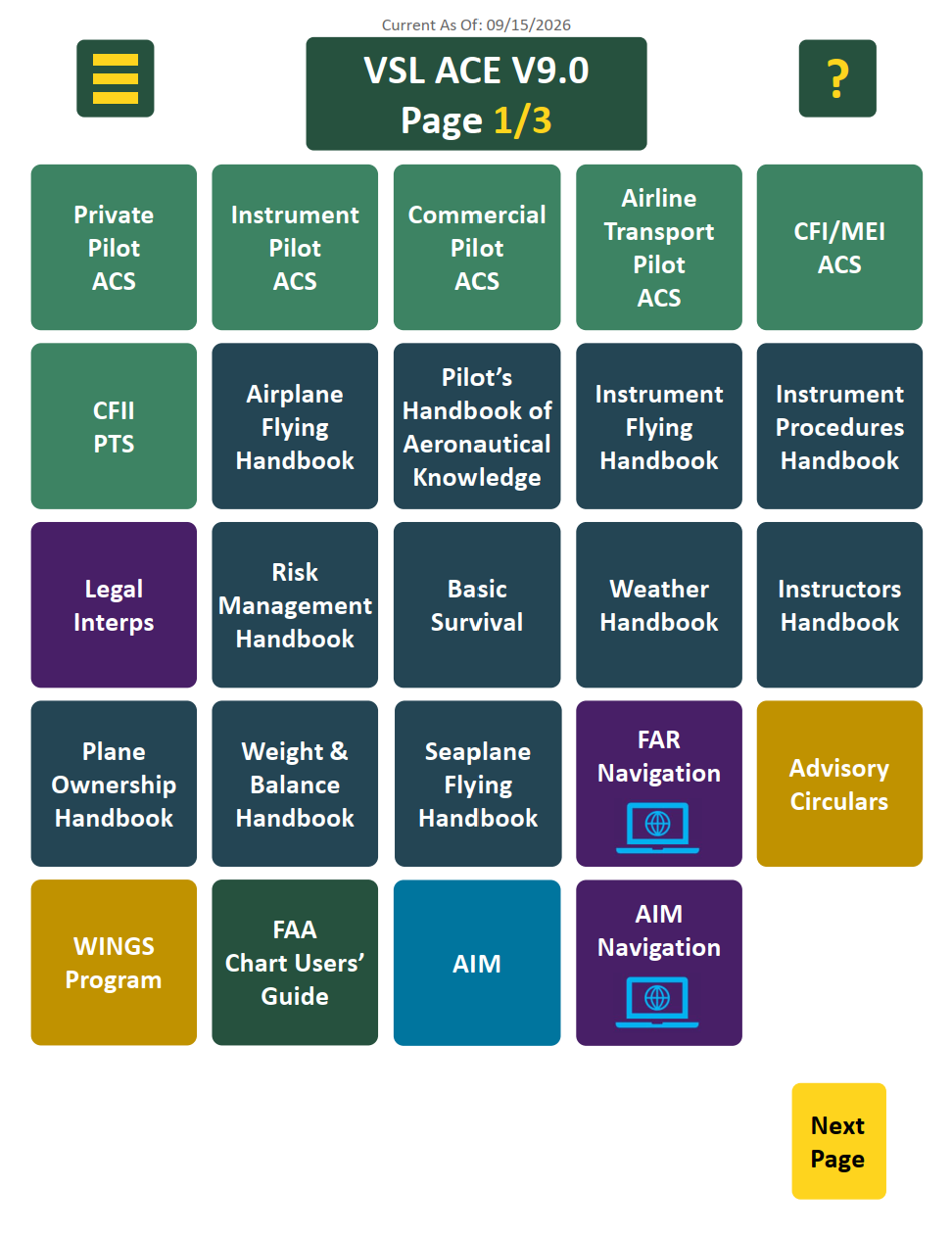
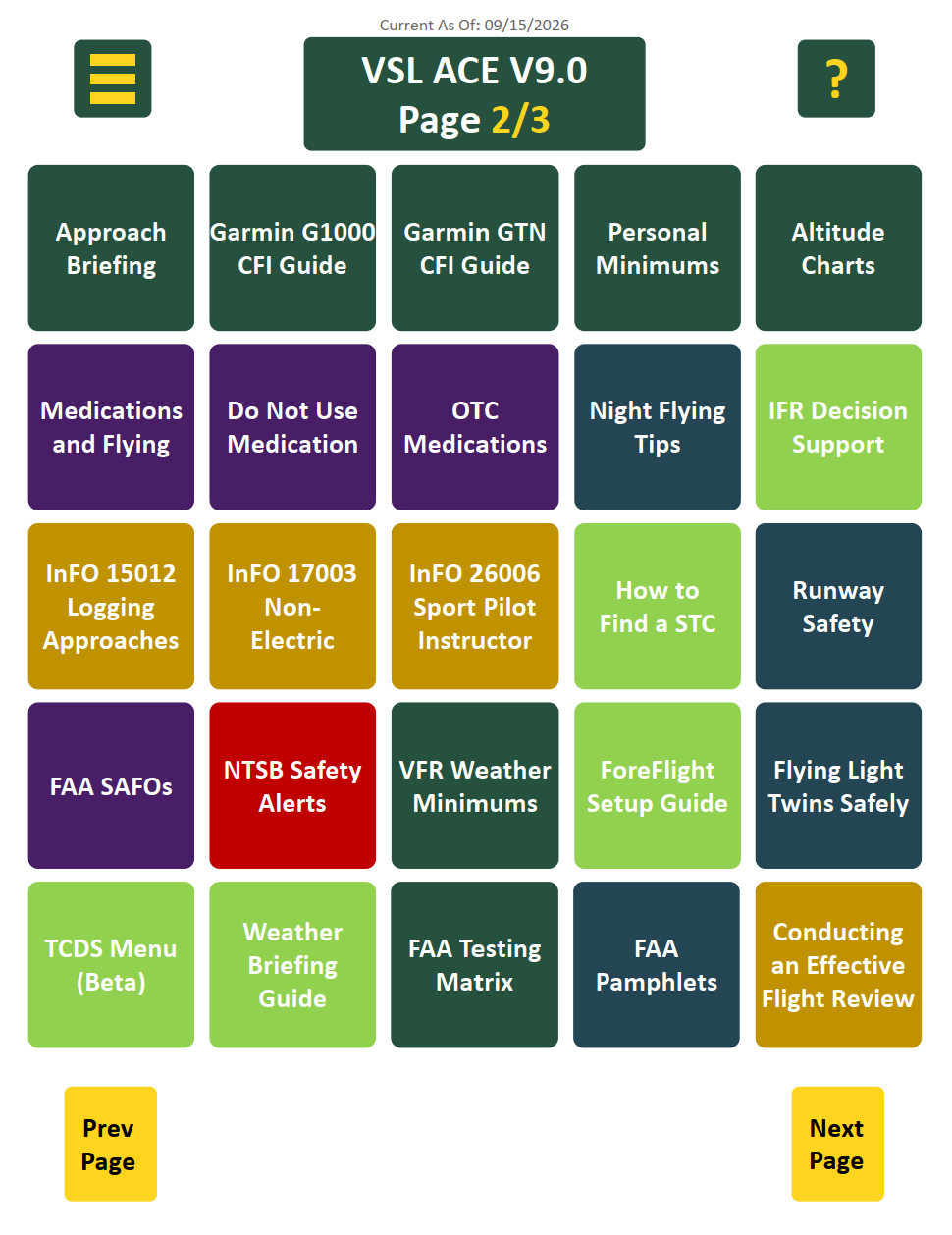
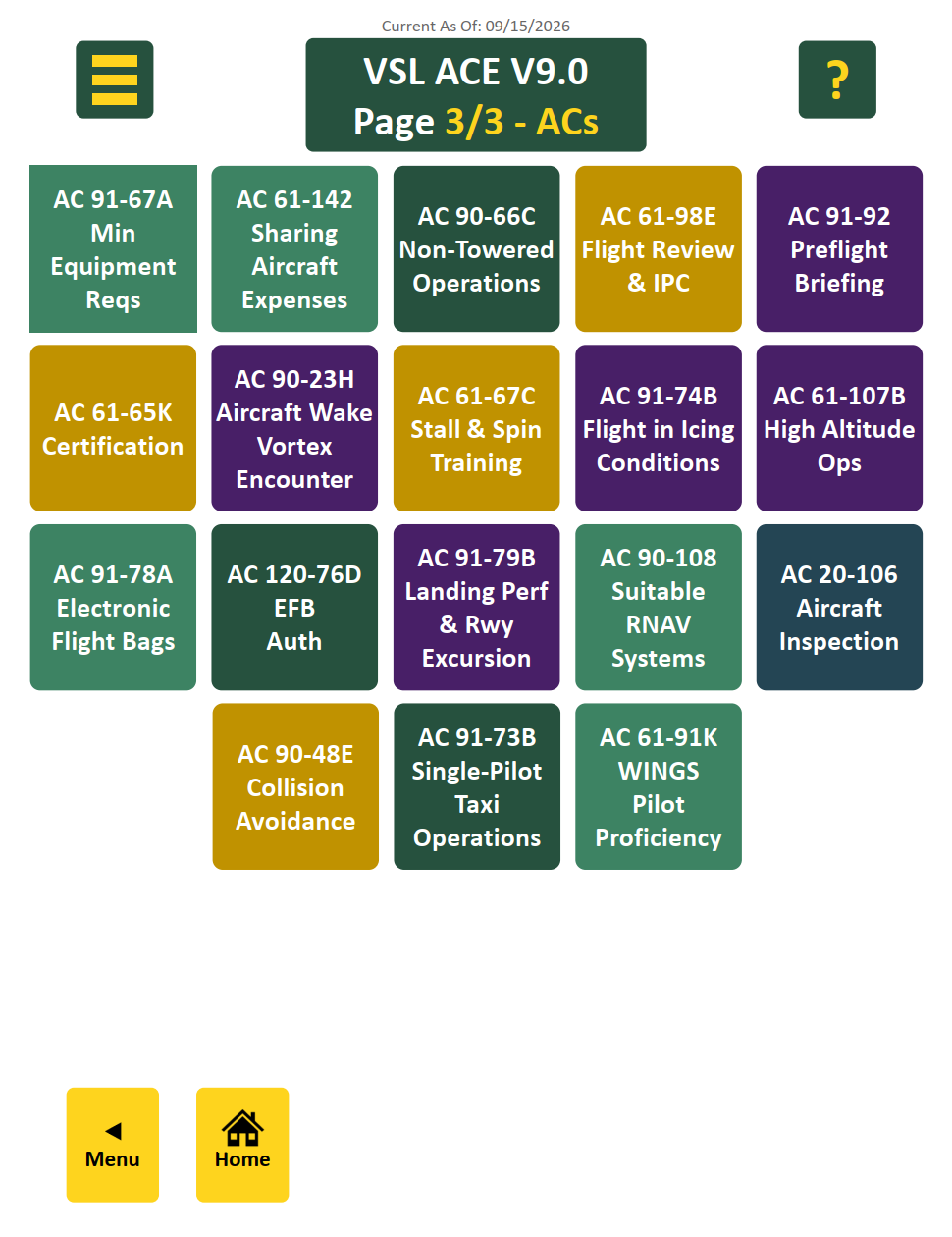
The ACE Guide puts your ACS standards, FAA handbooks, and regulatory references in one place, and
everything is one tap away. Here's how to find your way around.
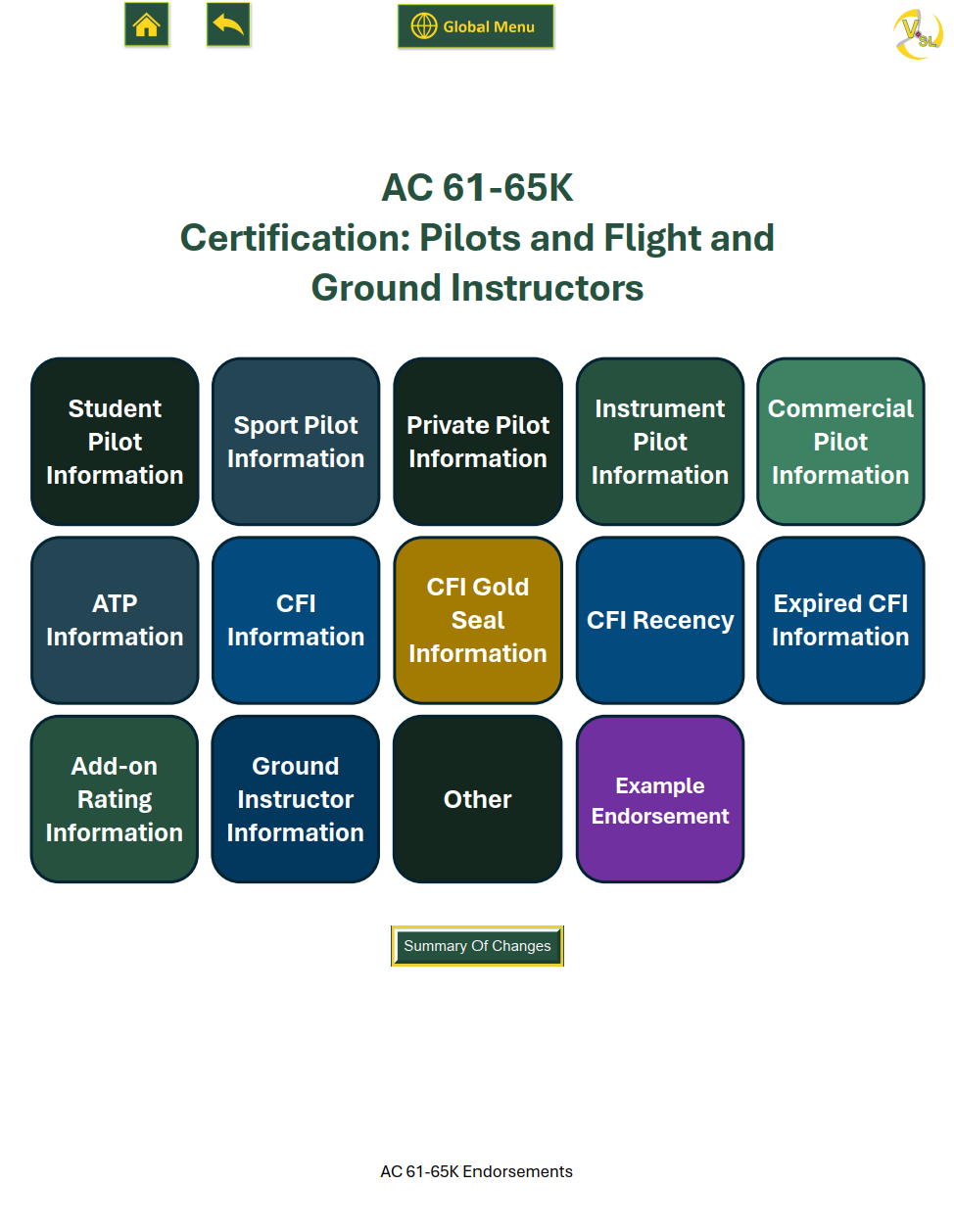
The quick link menu
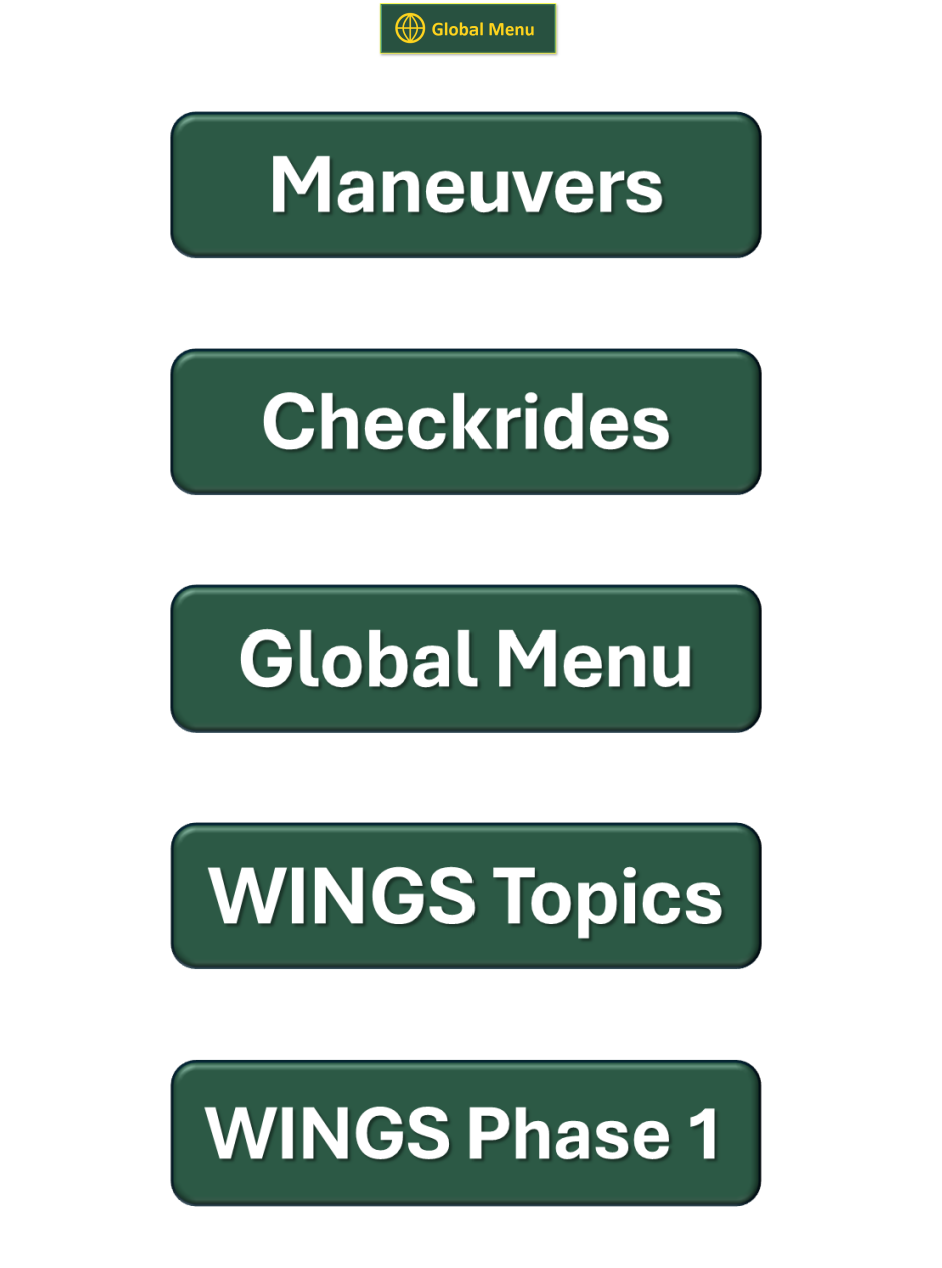
At the top left of every Global Menu page you'll see three horizontal yellow lines, often called a
"hamburger button." Tap it to open the quick link menu.
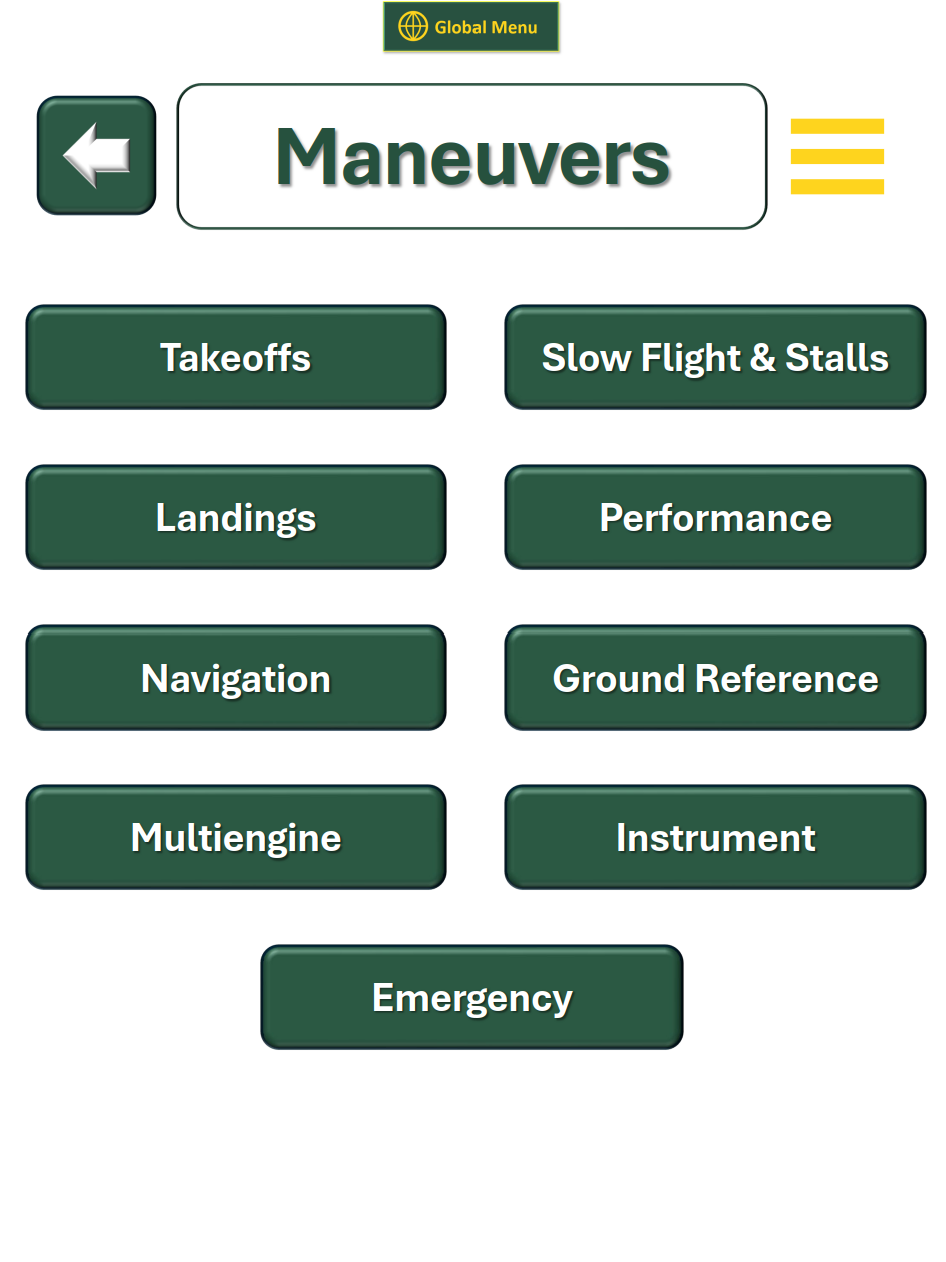
From there you can jump straight to Maneuvers, Checkrides, or
WINGS topics.

Look for this button at the top left of each Global Menu page.
Work in progress: this menu will change from update to update based on user feedback.
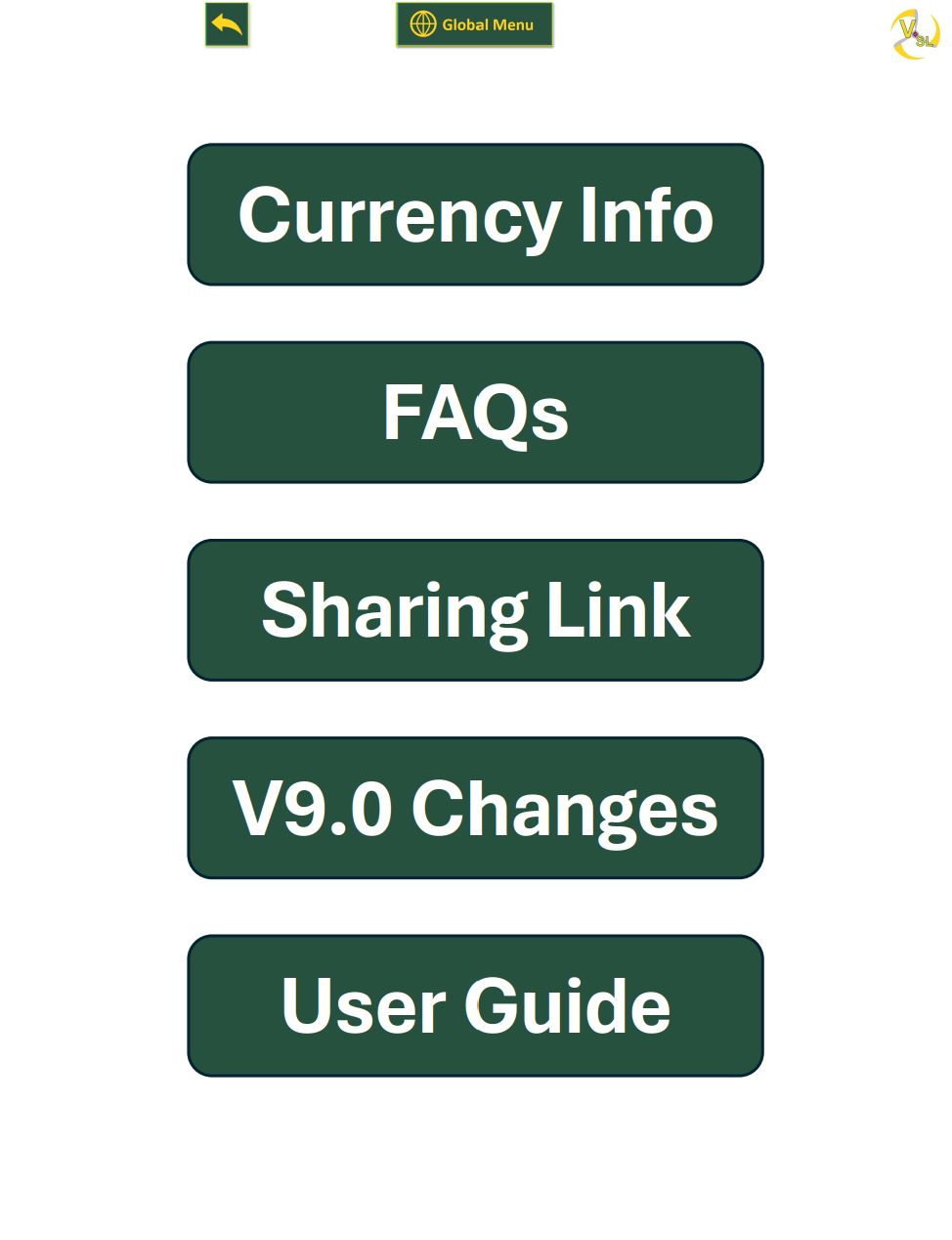
Currency info
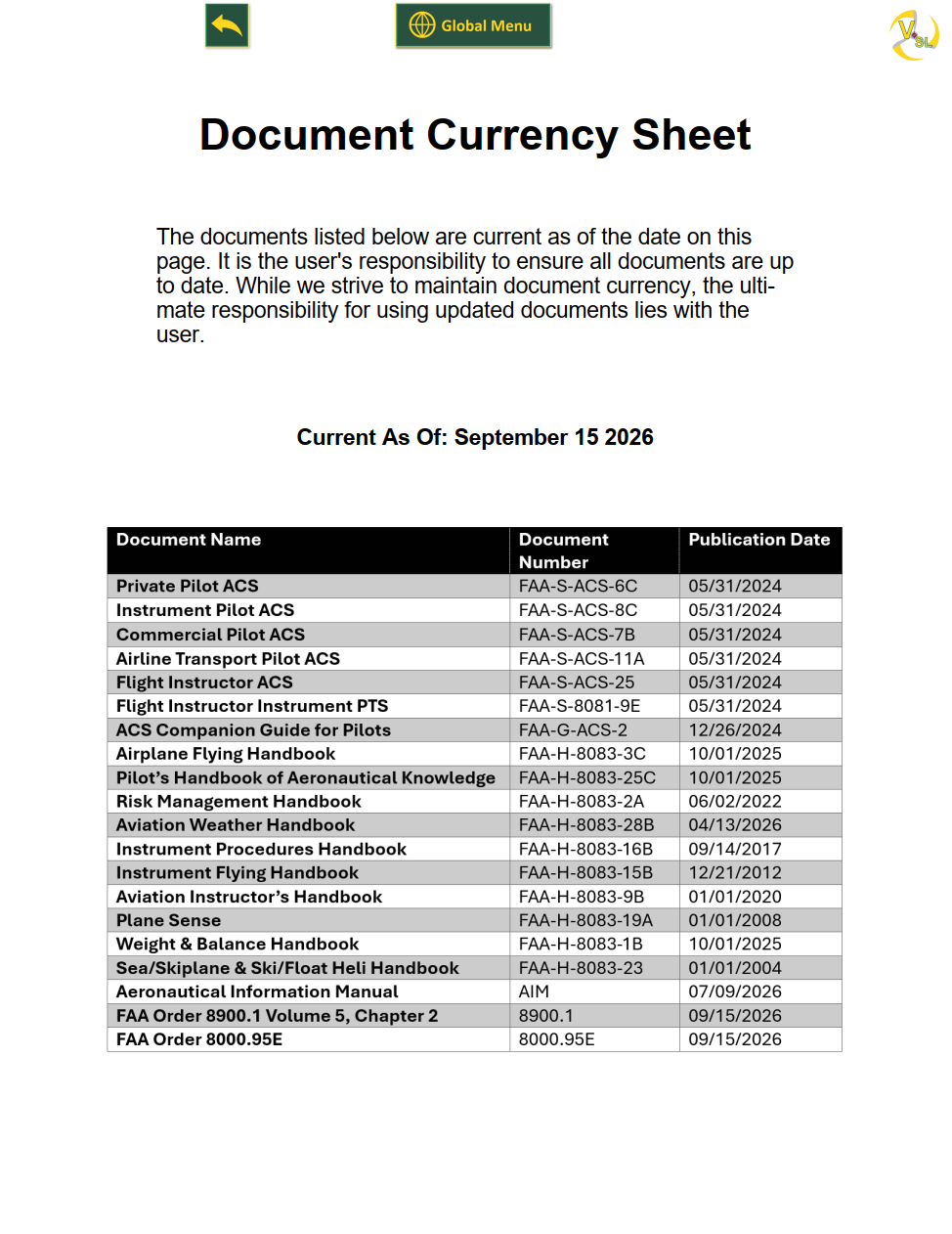
The Currency Info page has a table of the major handbooks and ACS documents in the
guide, along with the latest published date for each one.
Compare these dates to the FAA's website to check whether you have the current version.
Your responsibility: the sheet lists the date it was last updated, and reminds you that the
ultimate responsibility for using current documents lies with the user.
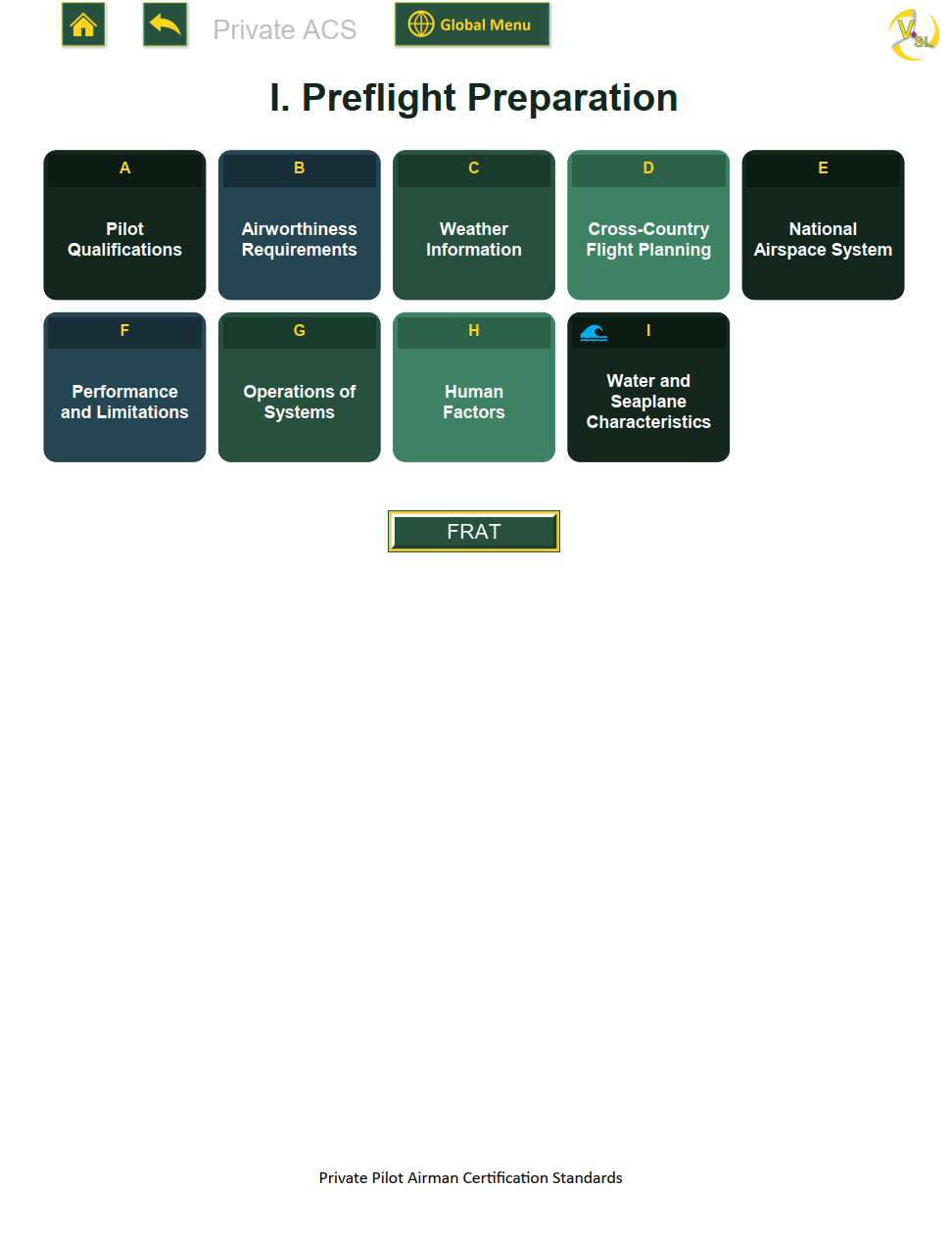
The task page
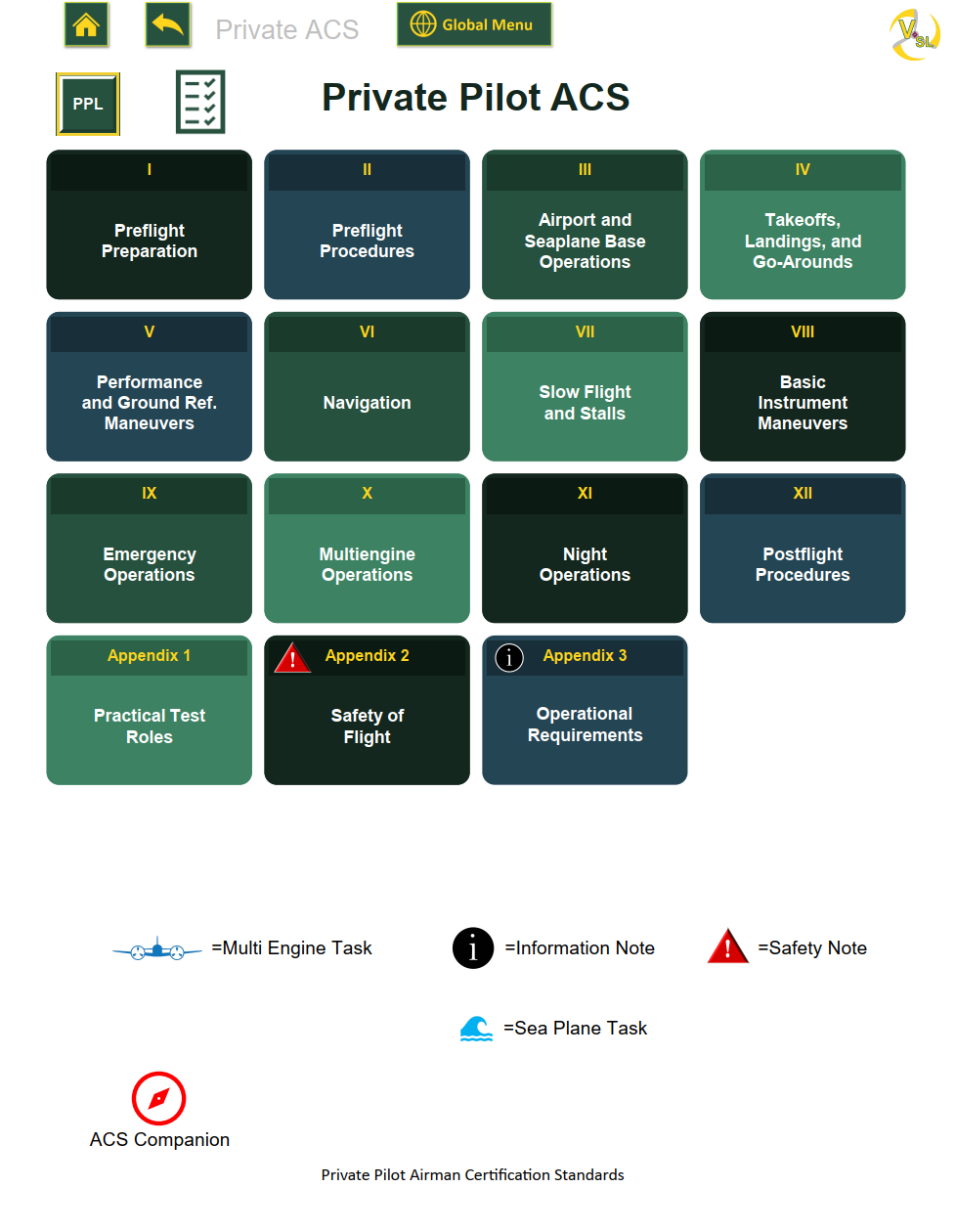
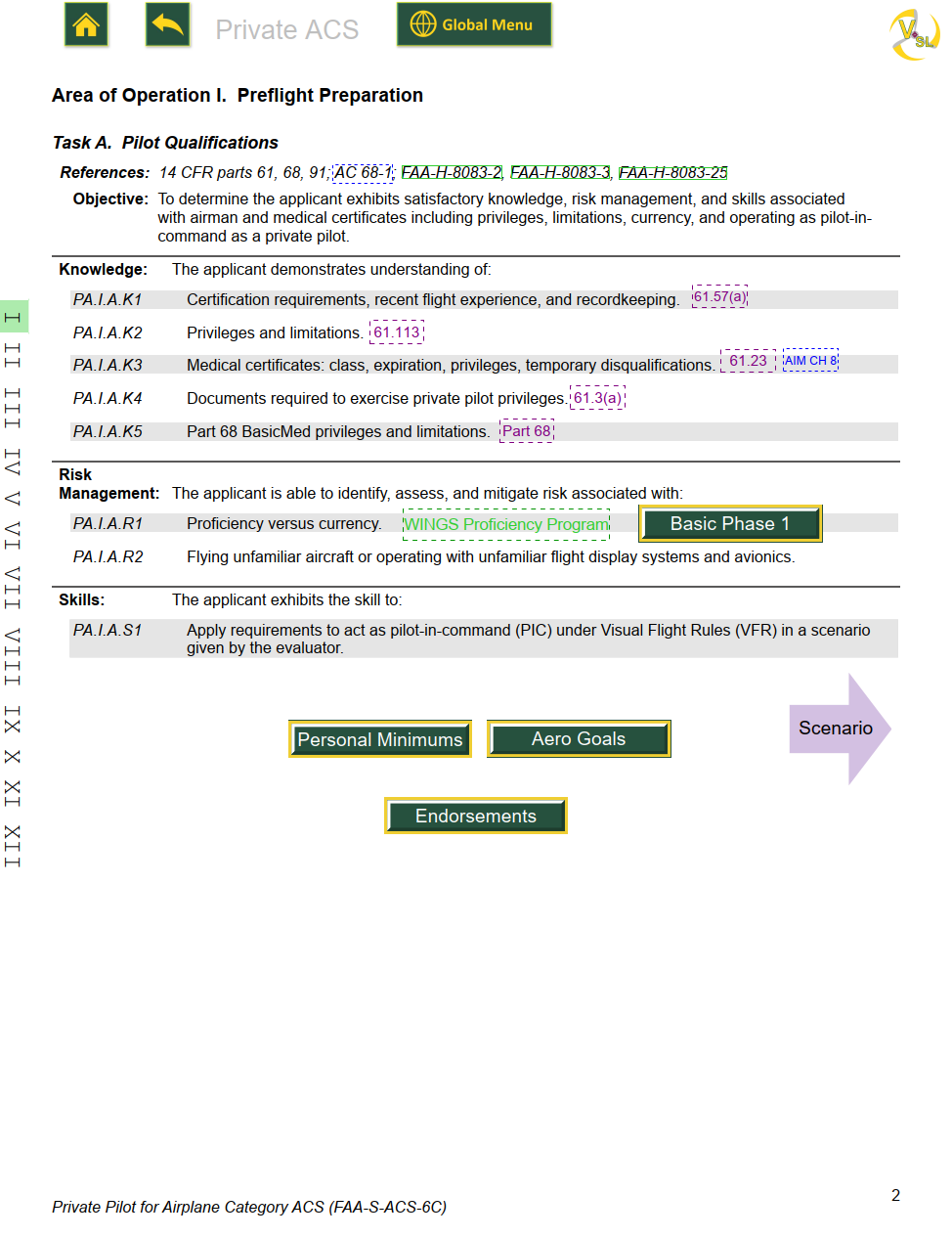
Tap Task A and you'll see the ACS Task A page, which includes several
hyperlinks and buttons.
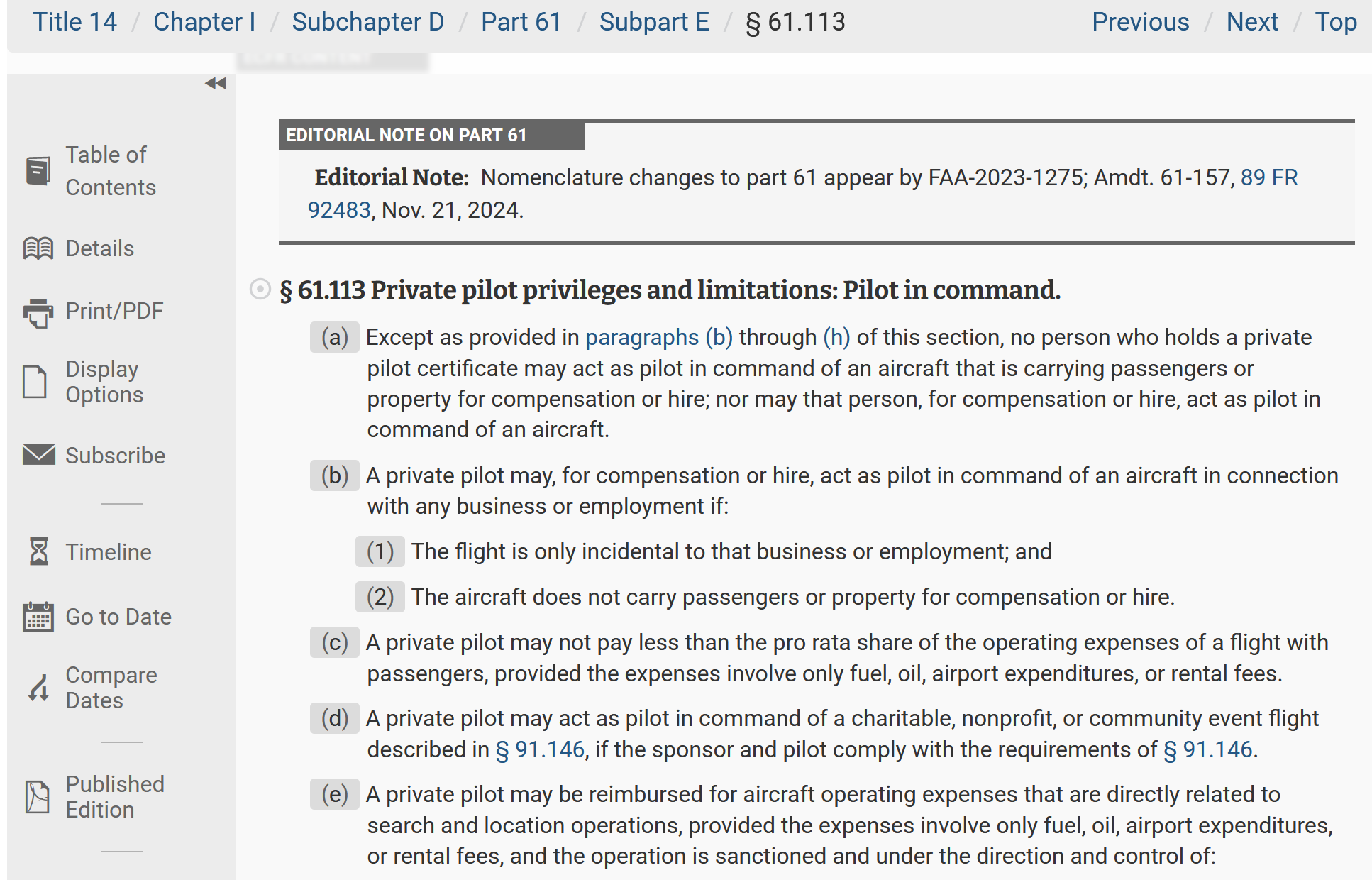
After a quick scan, we can see a link to FAR 61.113, which covers privileges and
limitations, along with many other links about pilot qualifications.
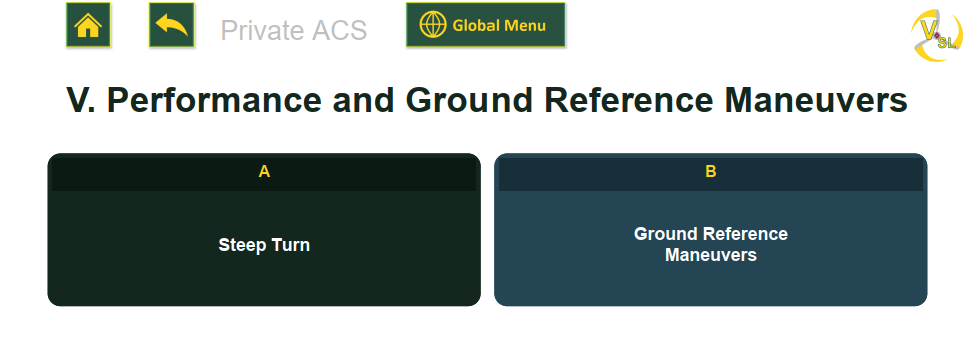
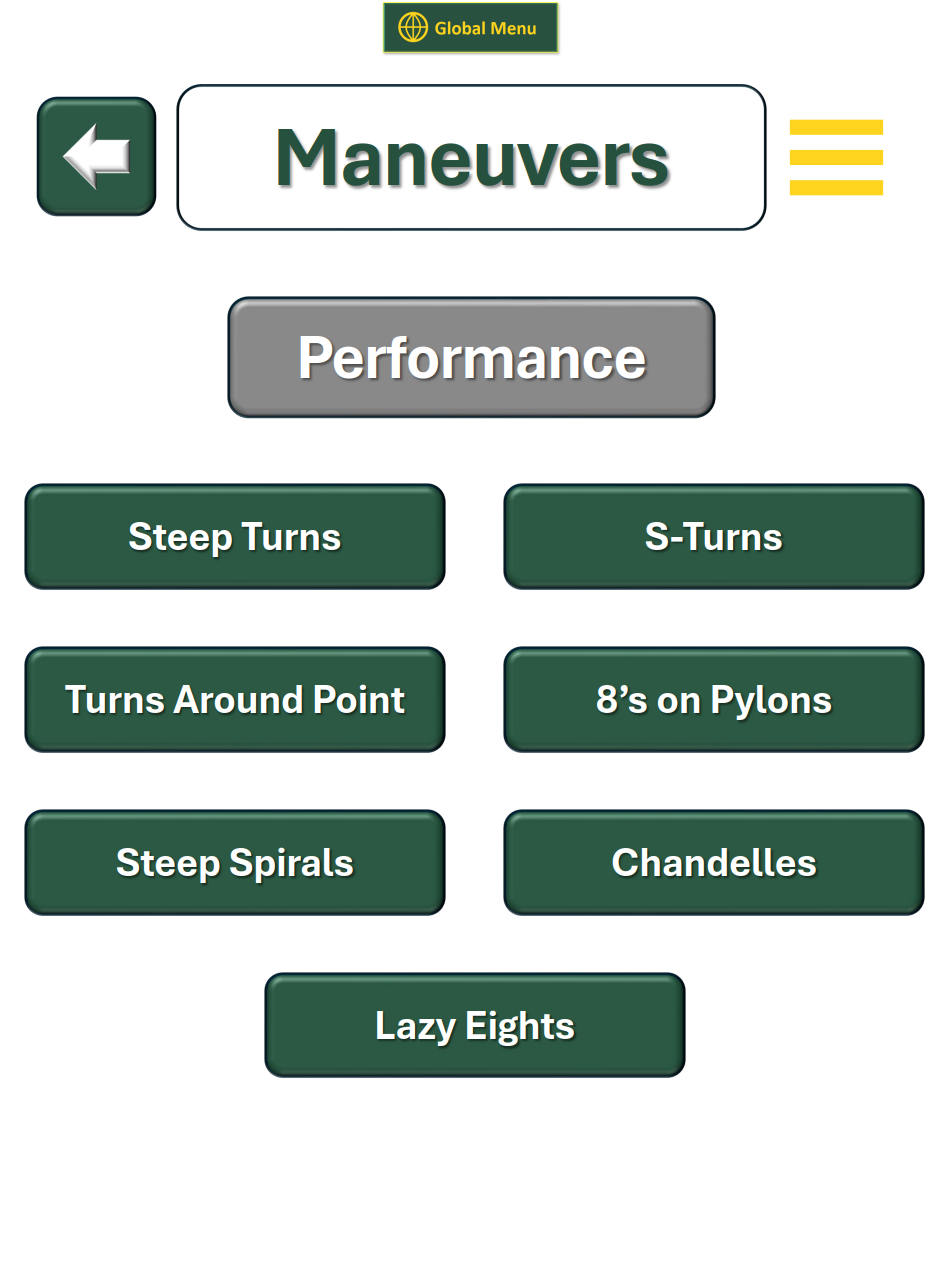
The Steep Turn task page
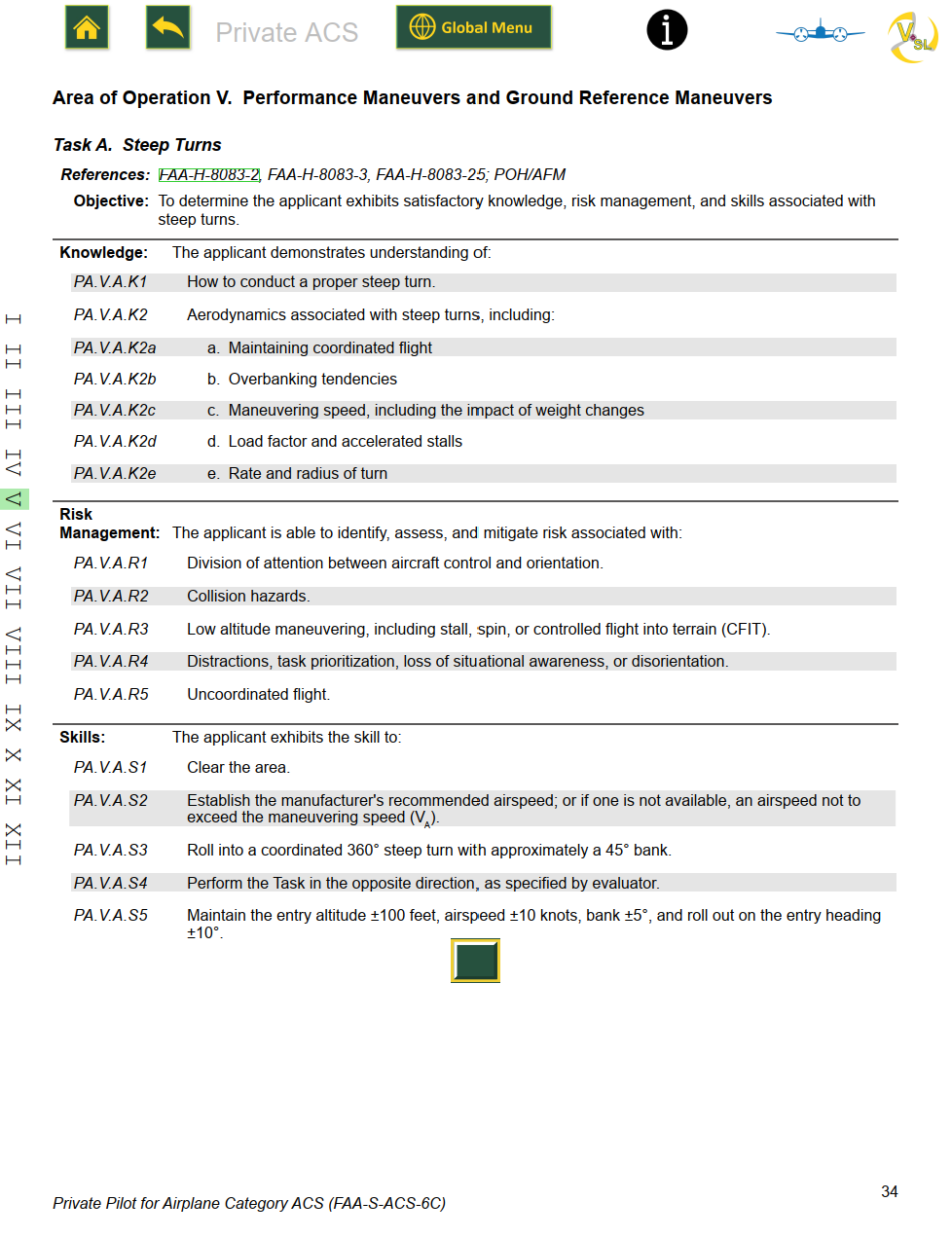
As in the previous example, this takes you to the ACS task page for steep turns. It lists the
Knowledge, Risk Management, and Skill elements.
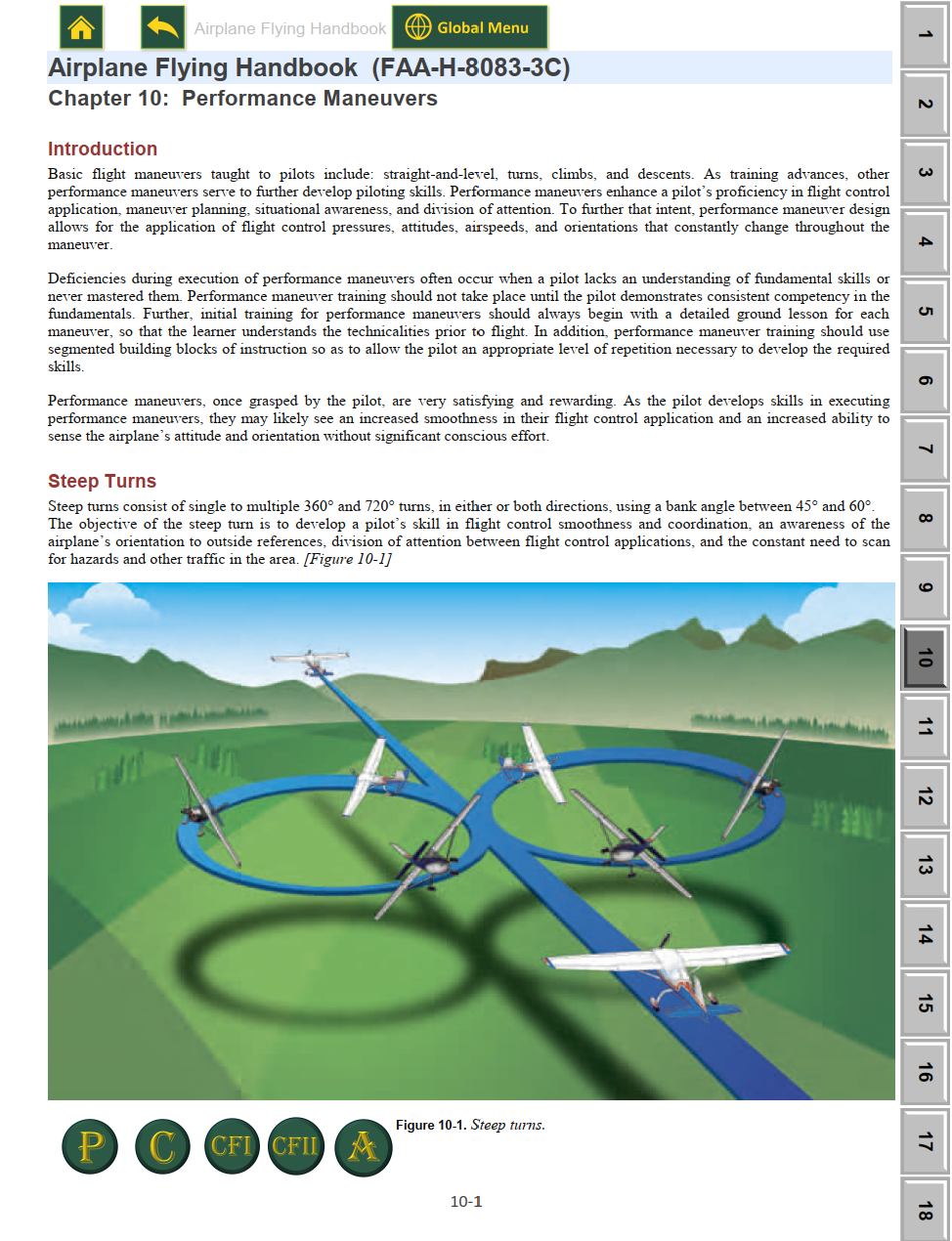
Since this is a flying task, there aren't as many links. Most of the maneuver is covered in the
Airplane Flying Handbook.
At the bottom of the page you'll see a single green button. Tap it to go directly to
Chapter 10 of the AFH, on the page for Steep Turns.

This button sits at the bottom of the task page, below the last skill element.
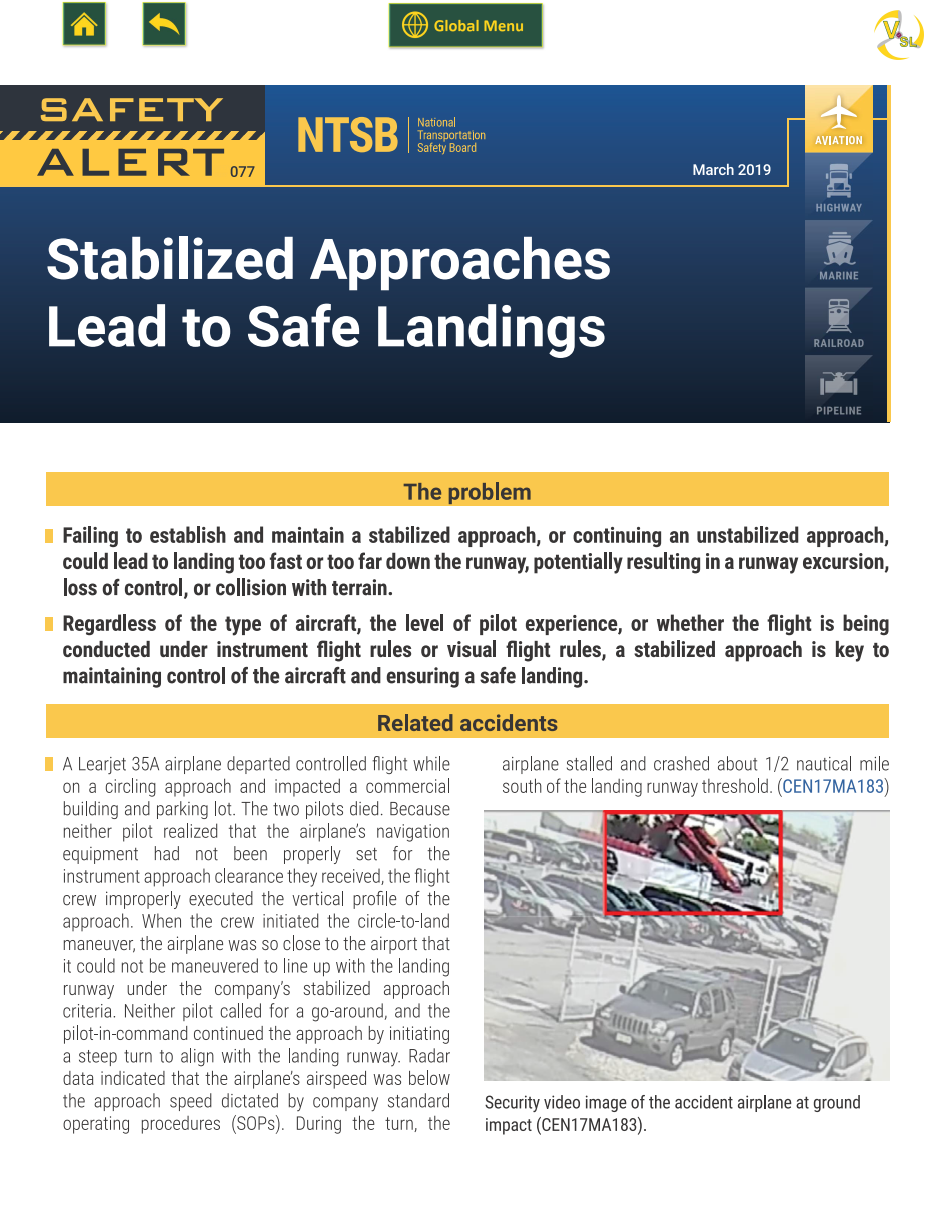
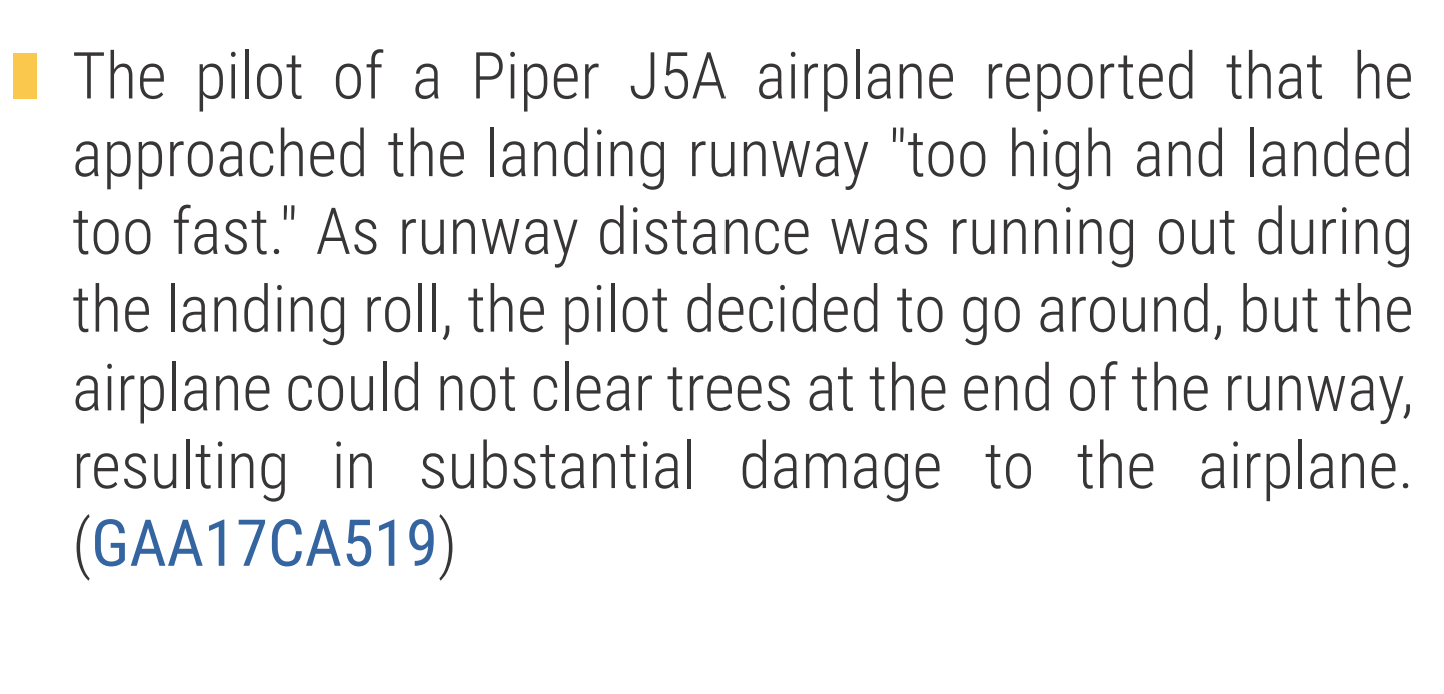
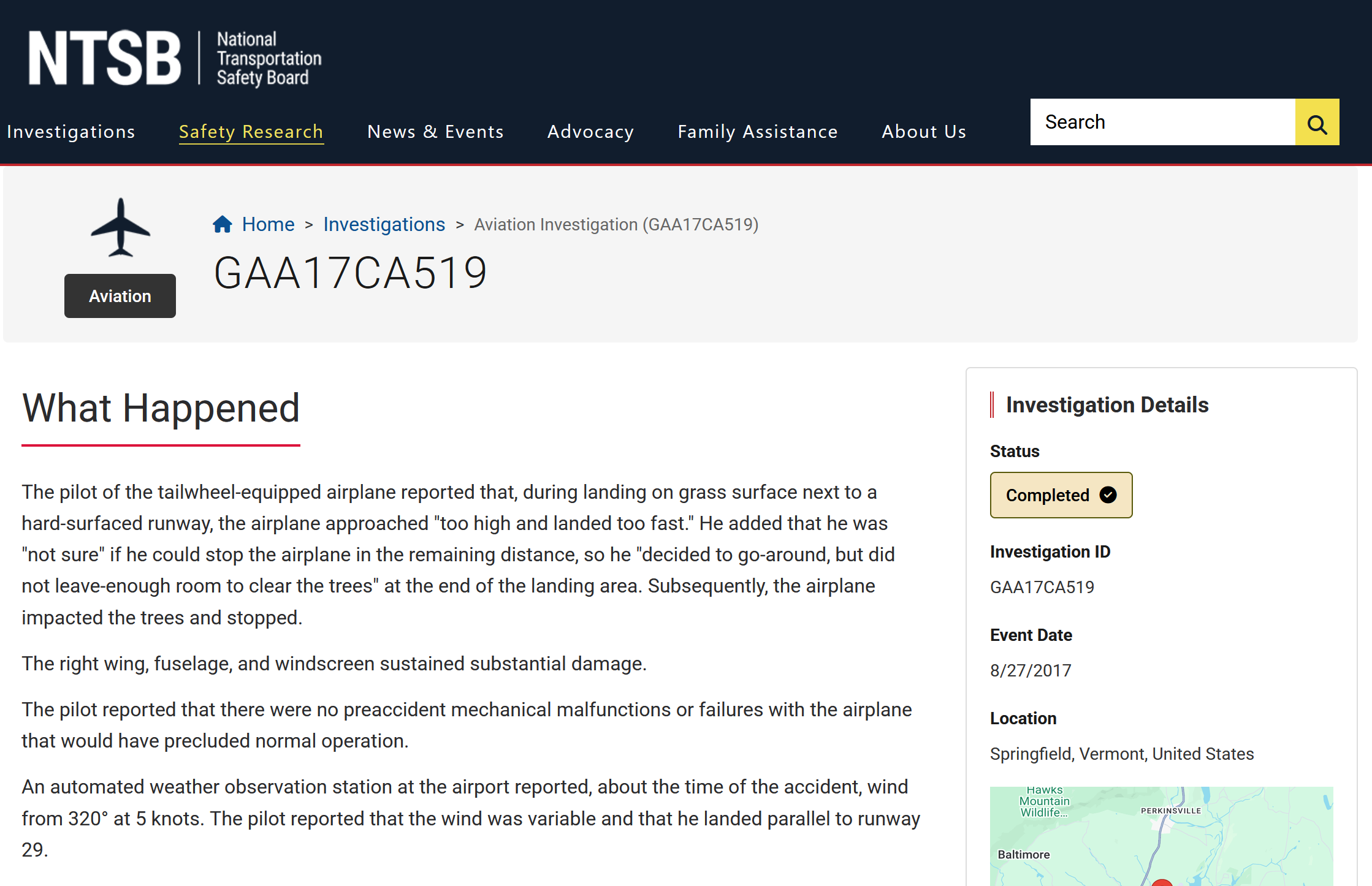
Looking up the accident
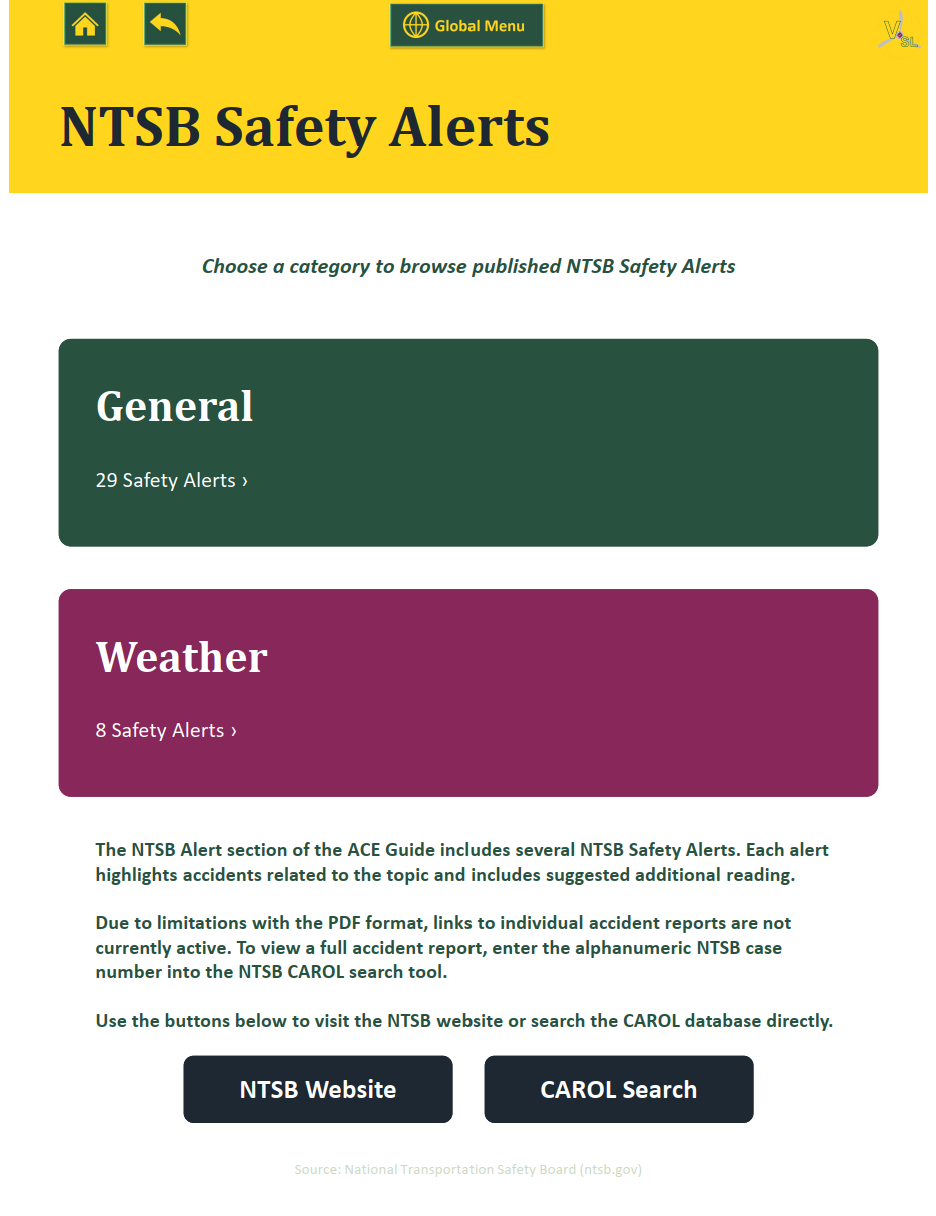
To look it up, tap the home button at the top of the page. This takes you back to the
NTSB Safety Alert landing page, which has a link to the NTSB CAROL search portal.

The home button is the small house at the top of the page.
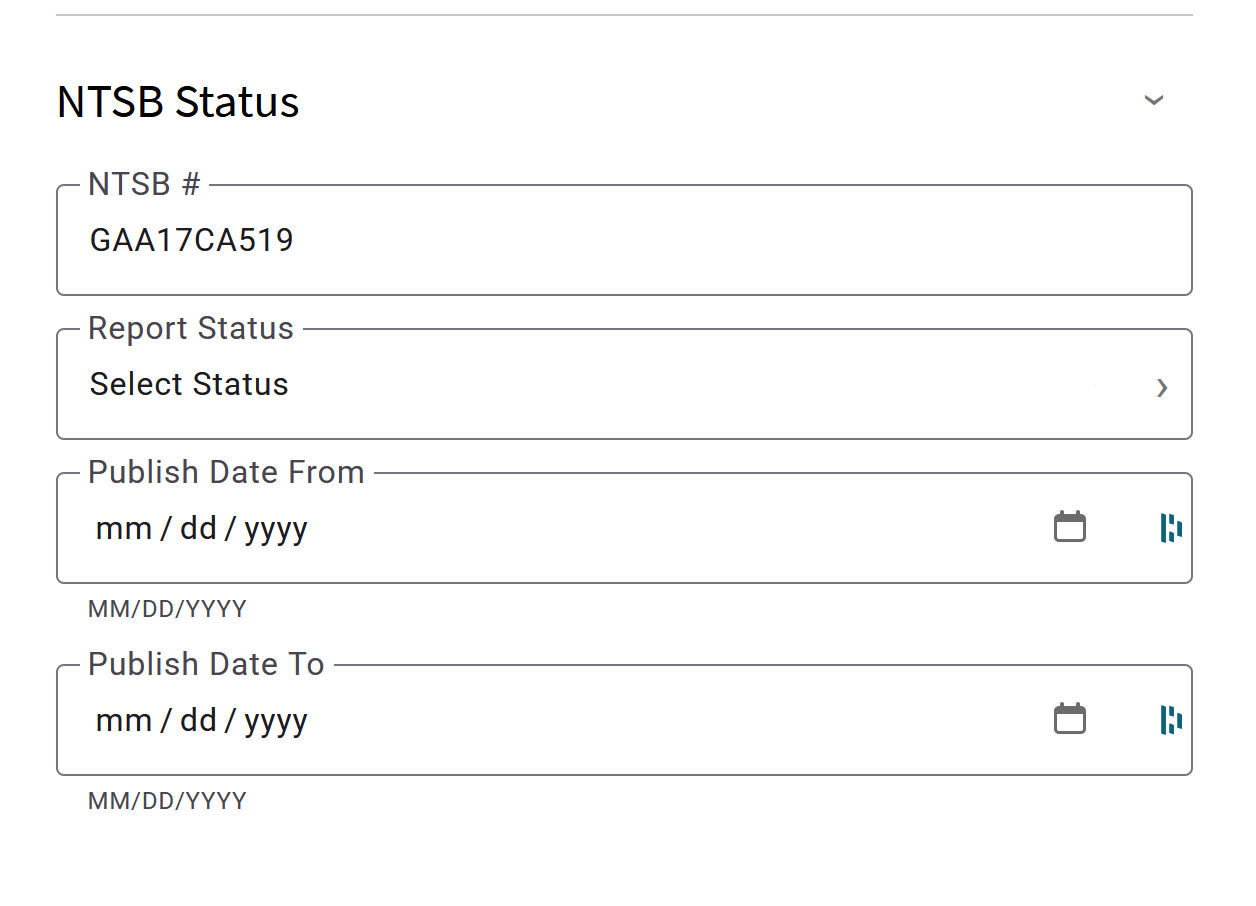
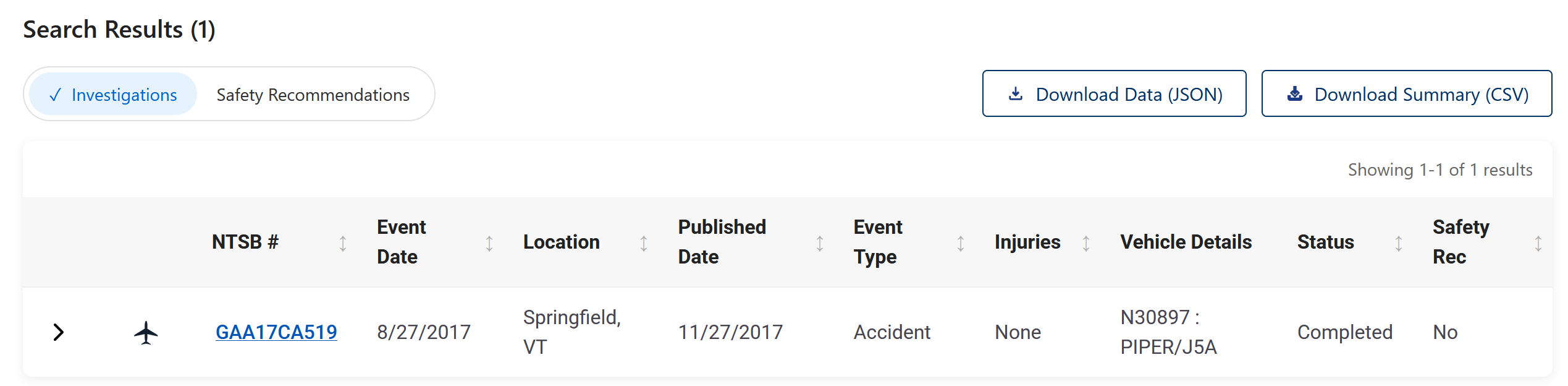
Tap CAROL Search to open the website.
Internet connection required. The landing page also explains that links to individual
accident reports aren't active in the guide, so you look up the case number in CAROL instead.
Explore the guide
The ACE Guide currently has over 7,000 pages of information. That can feel overwhelming,
but don't think of it as a whole document you need to read. Think of it as a system that helps you
find information quickly, when you need it. Tap around and explore the different navigation menus.
I guarantee you'll find FAA information you didn't even know existed.
That's one of the reasons we created this guide. FAA information can be difficult to find because it's
spread out over dozens of websites. Many handbooks, advisory circulars, and pamphlets with important
information are hardly known because they're stored on some obscure FAA website. And that's not even
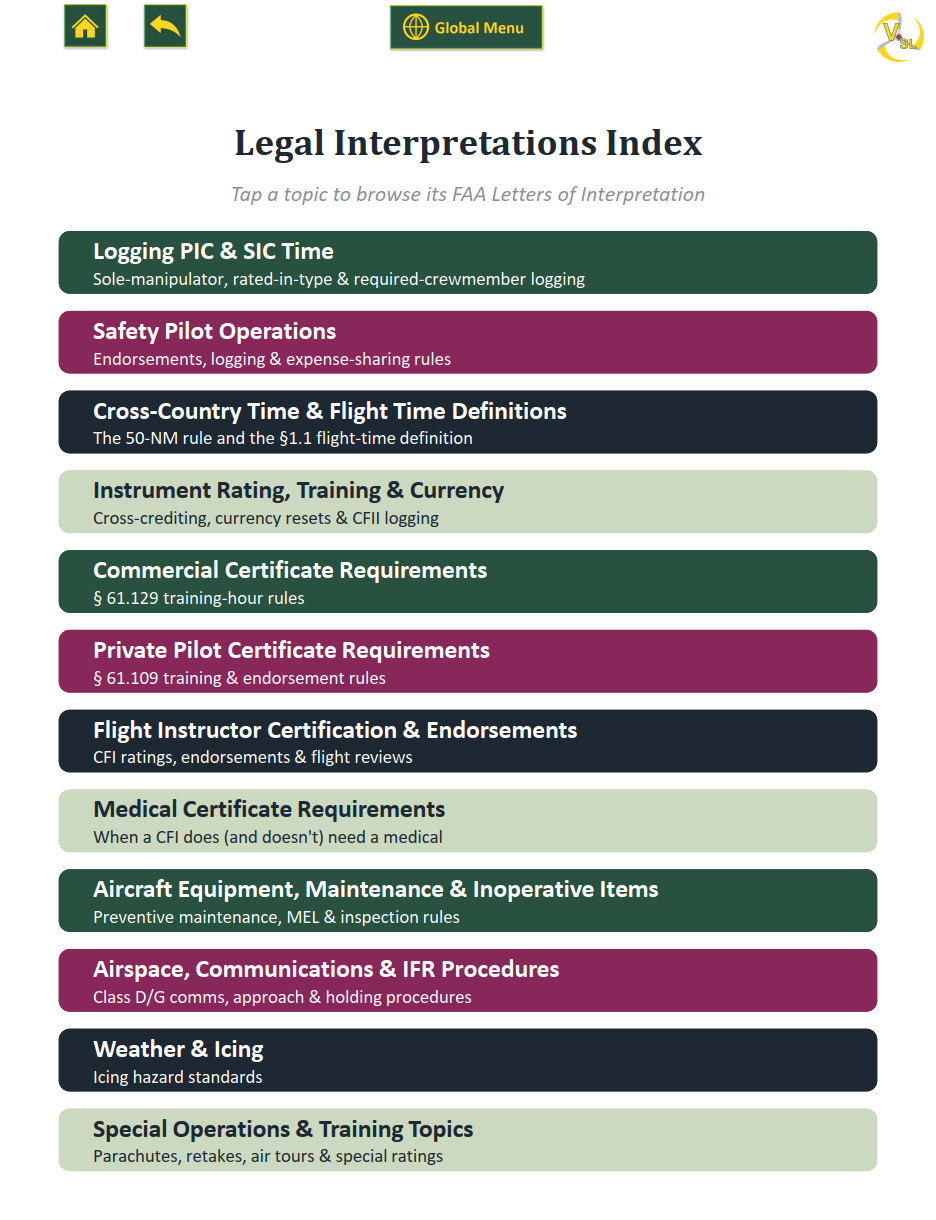
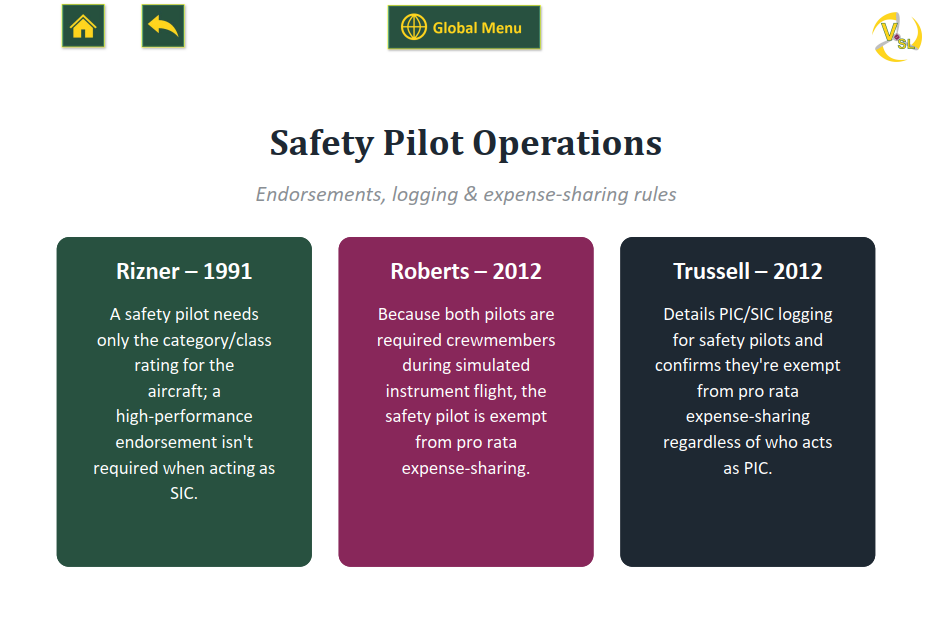
counting the legal interpretations, NTSB alerts, and other esoteric documents that a lot of pilots
wouldn't know to search for.
We're constantly looking for useful documents to add to the guide, and we keep improving the link structure
to make cross-referencing better. If there's something you'd like to see in a future update, feel free to
contact Seth directly at sethlake@vsl.aero.